YouTube Video Downloader
Introduction
Many people want to watch videos offline. The Internet is not always available. Travel, weak signals, and data limits cause problems. A YouTube video downloader can help in such cases. It saves a video for offline viewing.
But safety matters here. Copyright matters too. Not every video can be downloaded. This guide explains the topic in simple words. You will learn how these tools work. You will learn their features. You will also learn the legal rules.
What Is a YouTube Video Downloader?
A YouTube video downloader is a tool or app. It saves a YouTube video to a device. The saved file can be a video or audio file. Users can then watch it without internet.
These tools work on computers and phones. Some are desktop apps. Some are online tools. Some are browser extensions. Each type has its own strengths.
How a YouTube Video Downloader Works
The basic idea is simple. The tool reads the video link. It finds the available formats. It then saves the chosen file. The process usually looks like this:
- Copy the video link.
- Paste it into the tool.
- Choose video quality.
- Choose video or audio format.
- Save the file to your device.
Good tools keep the process simple. They show clear quality options. They do not hide extra downloads. They also avoid forced ads and pop-ups.
Why People Use a YouTube Video Downloader
People use these tools for practical reasons. Offline access is the main reason. Other common reasons include:
- Watching videos during travel.
- Saving data on slow connections.
- Keeping your own uploaded videos safe.
- Learning offline from free lessons.
- Listening to audio without video.
These reasons are valid for legal content. Your own videos are a clear example. Free lessons with permission are another example. Always check rights before downloading.
Key Features of a Good YouTube Video Downloader
Not all downloaders are safe. Some carry malware. Some show too many ads. A good tool feels clean and simple. It also gives clear choices.
Quality and Format Options
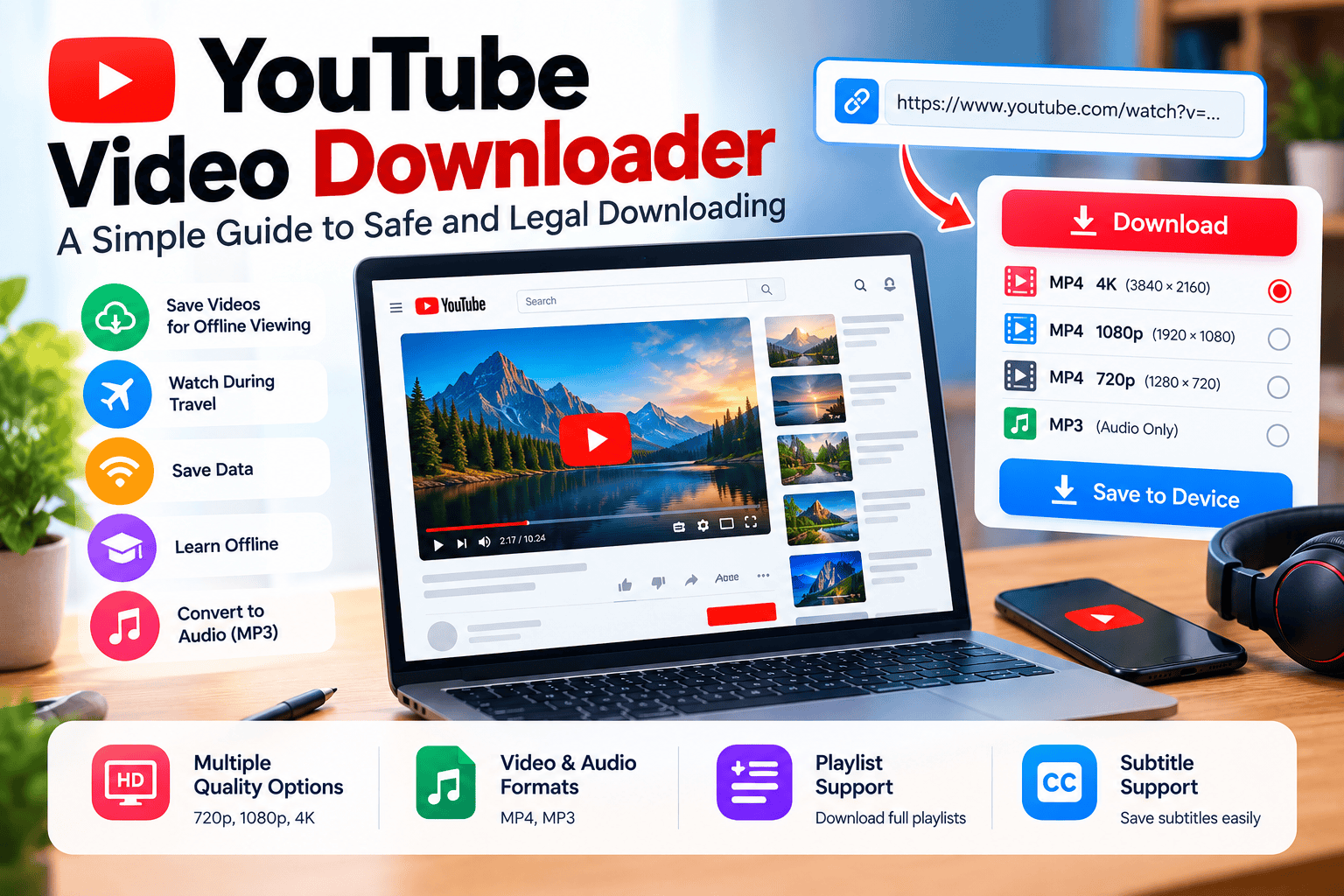
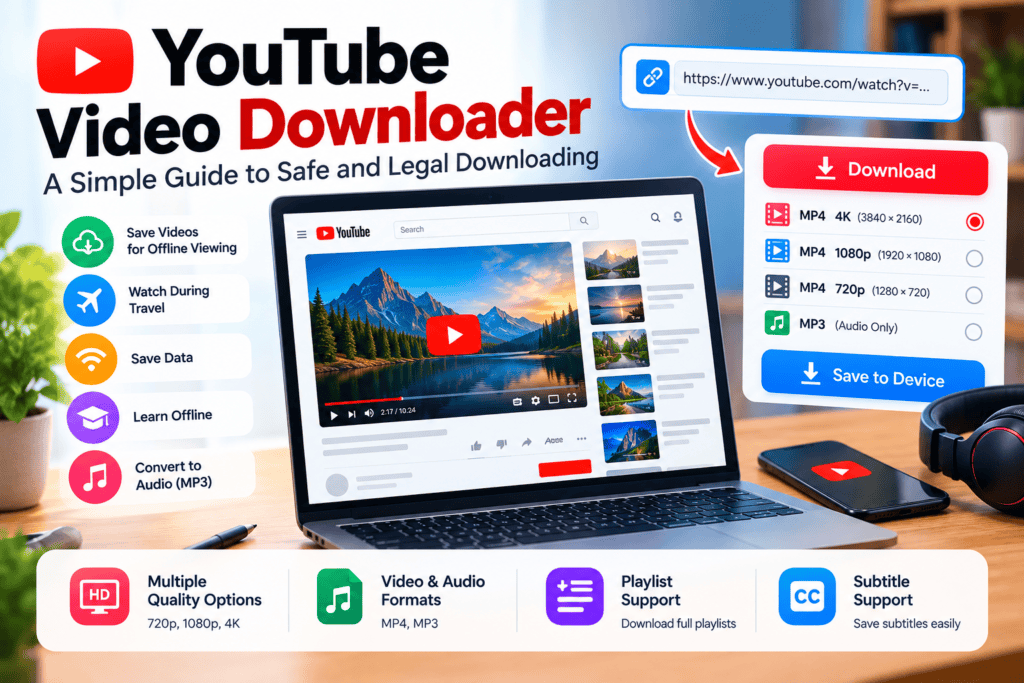
A good tool offers many quality levels. These may include 720p, 1080p, and 4K. It should also offer audio-only options. MP4 is common for video. MP3 is common for audio. Clear labels help users choose well.
Playlist and Subtitle Support
Some users need more than one video. Playlist support saves a full series at once. Subtitle support helps language learners. It also helps viewers with hearing issues. These features save a lot of time.
Other useful features include:
- Fast download speed.
- No forced software installs.
- Simple and clean design.
- Support for many devices.
- Clear privacy policy.
Top 4 YouTube Video Downloaders
Below are four well-known tools. Each one suits a different need. Try the official version only. Avoid fake copies and cracked versions. Fake copies often carry malware.
1. 4K Video Downloader – Best for High-Quality Videos
4K Video Downloader is popular for high-quality downloads. It supports playlists and channels. It also supports subtitles in many cases.
- It downloads videos in up to 4K quality.
- It supports full playlists and channels.
- It can save subtitles along with videos.
- It offers a clean desktop app for regular use.
2. SnapDownloader – Best for Fast and Simple Downloads
SnapDownloader focuses on speed and ease. It supports many video sites besides YouTube. Its design suits beginners well.
- It downloads videos in high resolution quickly.
- It converts videos to audio formats easily.
- It supports playlists and multiple downloads.
- It has a simple dashboard for new users.
3. ClipGrab – Best Free and Open-Source Option
ClipGrab is a free and open-source tool. It suits users who want a simple option. It does not need complex setup.
- It is free to use for basic downloads.
- It supports common video quality options.
- It can convert videos to audio formats.
- It works on Windows, Mac, and Linux systems.
4. YTD Video Downloader – Best for Beginners
YTD Video Downloader is known for its simple design. It suits users who want quick results. It does not confuse users with many settings.
- It has a very simple and clear interface.
- It downloads videos in common formats fast.
- It supports basic audio conversion options.
- It suits first-time users very well.
Choose a tool based on your need. High quality, speed, price, and simplicity all matter. Do not choose a tool only because it is free. Safety matters more than price.
Choosing the Right YouTube Video Downloader
Choosing the right tool depends on your needs. Think about your device first. A desktop app suits regular use. An online tool suits one-time use. Check quality options next. Some users need 4K video. Others need audio only. Price also matters for many users.
Free tools suit basic needs well. Paid tools suit heavy use better. Read recent reviews before you choose. Look for regular updates too. An updated tool works better. It also stays safer over time.
Avoid tools with no clear owner. Avoid tools with no privacy policy. These signs often show risk.
Questions to Ask Before You Choose
Ask yourself these questions before installing a tool:
- Do I need video, audio, or both?
- Do I need playlists or single videos?
- Does it work on my device?
- Is the official website clear and trusted?
Clear answers make the choice easy. They also reduce risk.
Safe and Legal Use of a YouTube Video Downloader
This part is very important. YouTube has its own terms. Copyright law also applies. Ignoring these rules can cause problems. Safe use protects you and creators.
Legal Rules You Must Follow
Only download videos in these cases:
- The video is your own upload.
- You have clear permission from the owner.
- The video is public domain content.
- The licence clearly allows downloading.
- YouTube itself offers a download button.
Do not download copyrighted music videos without permission. Do not download paid courses without permission. Do not share downloaded files with others. Sharing can also break copyright rules.
Safety Tips for Downloading
Safety is as important as legality. Follow these tips:
- Download tools only from official websites.
- Avoid tools that ask for your YouTube password.
- Avoid sites with too many pop-up ads.
- Keep your antivirus software updated.
- Read user reviews before installing any app.
If a tool looks too good to be true, be careful. Free tools with hidden installs are risky. A trusted tool is worth more than a free risky one.
Common Problems and Simple Fixes
Download problems are common. Most have simple causes. A slow connection is one cause. An outdated app is another cause. A changed video link can also cause failure.
First, check your internet connection. Then update the tool to the latest version. Then try a different quality option. If the problem stays, try another trusted tool. Do not install random tools from unknown ads. That often creates bigger problems.
Also, check your device storage. High-quality videos need more space. Delete old files if storage is full. This simple step fixes many errors.
Conclusion
A YouTube video downloader is a useful tool when used correctly. It helps you watch videos offline. It helps you save data. It helps you learn without internet.
But legal use must come first. Download only your own videos. Download only content with clear permission. Choose a trusted tool from an official site. Avoid risky free tools and fake copies.
Check quality, format, and safety before you install anything. Respect creators and their work. Good habits protect your device and your account.
Start with one trusted tool. Use it for legal content. Keep your downloads safe and responsible every time.
Is a YouTube video downloader legal?
It depends on the video and its rights. Downloading your own videos is legal. Downloading with permission is also legal. Downloading copyrighted videos without permission is not legal.
Is a YouTube video downloader safe?
Trusted tools from official sites are safer. Unknown sites can carry malware. Always check reviews first. Avoid tools that ask for passwords.
Can I download YouTube videos for free?
Many tools offer free basic versions. Free versions may limit quality or speed. Paid versions often offer more features. Always compare features before paying.
What is the best video quality to choose?
1080p suits most users well. It looks clear on phones and laptops. 4K needs more storage and data. Choose 720p if storage is low.

Fizzah is the founder and editor of AI Guide Co. She tests AI tools hands-on and publishes practical guides and comparisons to help creators and small businesses use AI better.